CRM and Sales
Pipedrive for Japan Market Entry: A CRM for a Small Local Sales Motion?
By Japan Legible
- Published
- Last checked
- Reading time
- 10 minutes
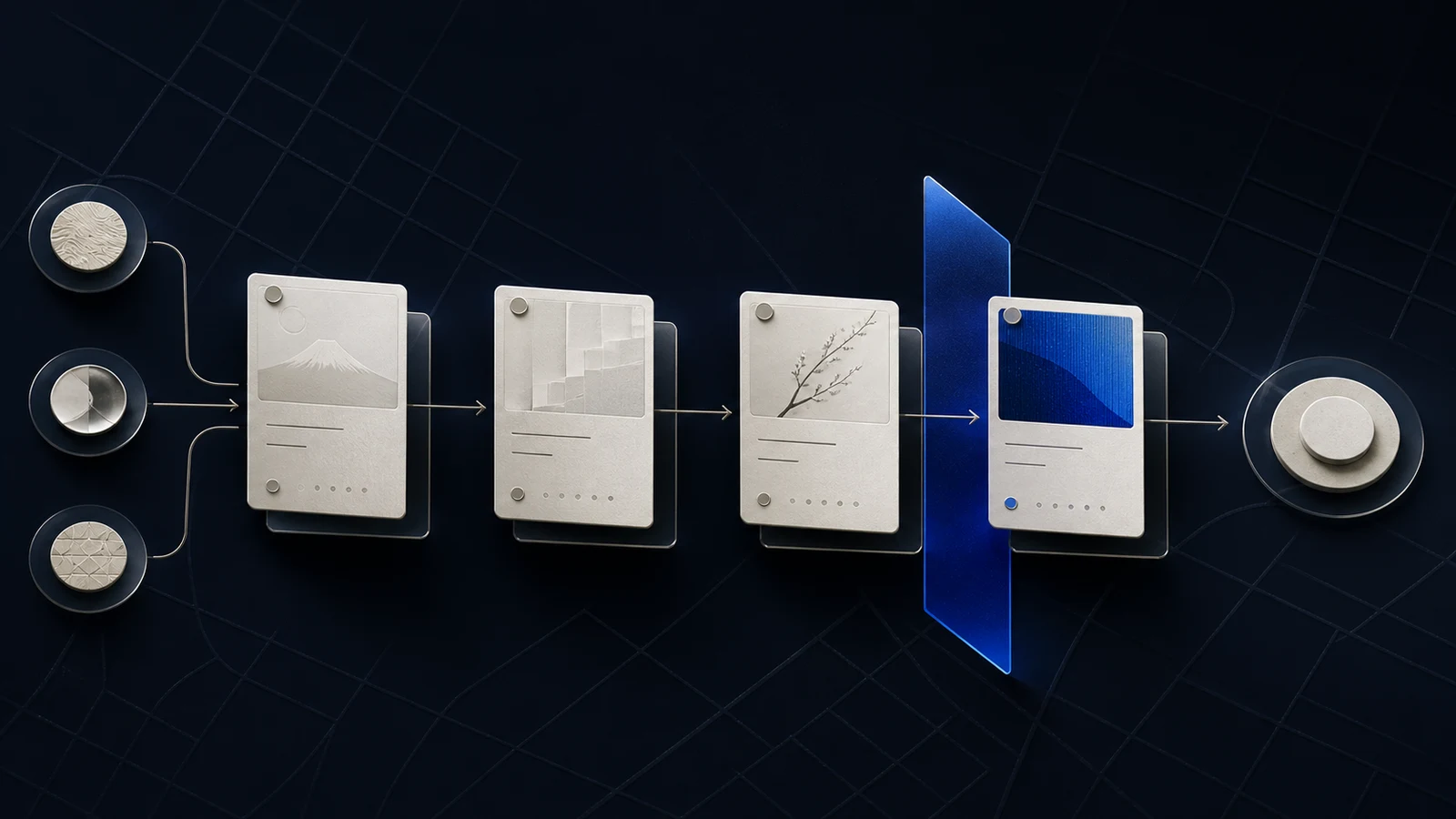
An early Japan pipeline often fails in the space between two systems: the global CRM records a deal, while the local operator carries the actual context in messages, notes, and memory. Pipedrive can make a small sales motion visible. It cannot decide what the pipeline should mean.
Independent guide. This assessment is based on current product documentation, not a hands-on test. Japan Legible has no commercial relationship with Pipedrive. All product links are direct, non-affiliate links. Pricing and features were checked on August 10, 2026.
Short answer
Pipedrive is worth considering when a small team needs a clear, deal-centered CRM without adopting a larger marketing and service platform. Its visual pipeline, activity model, custom fields, imports, email functions, and automations can support an early Japan sales motion.
The fit depends less on whether the interface is available in Japanese and more on whether the company can define a local sales process. A translated interface does not resolve account ownership, Japanese name and address fields, partner influence, procurement stages, or the handoff between headquarters and the person speaking with the buyer.
Choose Pipedrive when the immediate problem is disciplined follow-through across a modest number of opportunities. Look elsewhere when marketing automation, service history, complex permissions, and a unified customer data model already matter as much as the pipeline.
The real choice is process weight
An overseas team entering Japan usually has one of three CRM problems.
The first is absence: leads live in spreadsheets, inboxes, and direct messages. The second is mismatch: the global CRM exists, but its stages and required fields do not describe the local motion. The third is excess: a broad platform demands configuration and administration before the team has learned how Japan sales actually works.
Pipedrive is most attractive in the third situation as an intentionally lighter system, or in the first as a disciplined replacement for scattered records. It is less attractive if the company must preserve a single global source of truth and cannot tolerate a separate local CRM.
Before comparing features, decide whether the Japan operation may own its own pipeline. If not, the better work may be adapting the existing global system.
What Pipedrive can provide
A deal-centered operating view
Pipedrive organizes sales data around people, organizations, leads, deals, products, activities, projects, and mail. That model suits a team whose main question is practical: what must happen next for this opportunity?
For an early market-entry motion, the visible pipeline should reduce the number of deals that become quiet after an introductory meeting. Activities and next steps are more valuable than a large number of descriptive fields if the team is small.
Per-user language and format settings
Pipedrive documents user-level choices for interface language, date format, time format, number format, and currency. This is useful in a mixed headquarters and Japan team because one user can work in Japanese while another uses English.
It does not translate the meaning of custom fields or notes. A bilingual data dictionary is still necessary. If one user records a status as a Japanese free-text note and another expects an English pipeline field, the CRM will preserve the ambiguity rather than remove it.
Custom fields and imports
Custom fields allow the team to represent information that matters to the Japan motion. Imports can bring in people, organizations, leads, deals, activities, notes, and products, subject to plan and field constraints described in Pipedrive's documentation.
The danger is building too many fields before the process stabilizes. A market-entry CRM should collect only data that changes a decision, a next action, ownership, or reporting.
A Japan-ready minimum data model
A useful first version needs fewer fields than most CRM projects create.
Organization
- legal company name and display name;
- website and primary domain;
- headquarters country and Japan entity status;
- customer, distributor, partner, adviser, or other relationship;
- segment and estimated fit;
- account owner in Japan and at headquarters.
Person
- family and given name in the form provided;
- optional phonetic reading when operationally necessary;
- department, title, email, and preferred language;
- contact source and consent basis;
- relationship to the buying decision.
Deal
- market-entry use case;
- expected value and currency;
- local problem and decision criteria;
- procurement or security requirement;
- partner involvement;
- next action, owner, and due date;
- loss reason that is specific enough to teach the team something.
Avoid forcing every Japanese name into a Western first-name and last-name assumption without preserving the original input. Avoid using free text for stage, owner, source, or consent when the field must later support reporting.
Design the stages around evidence
A pipeline called "Contacted, Qualified, Proposal, Won" may look tidy while hiding the actual uncertainty. A more useful early Japan pipeline could be:
- Signal captured — a relevant person or company exists.
- Problem confirmed — the buyer has described a real need.
- Local fit checked — product, support, contracting, and language constraints are known.
- Decision path mapped — participants, approval steps, and timing are explicit.
- Commercial proposal active — scope, price, and accountable next action exist.
- Contracting or procurement — legal, security, vendor, and payment work is active.
- Won, lost, or deferred — with a reason that can inform the next test.
These stages should reflect evidence, not optimism. The team should be able to explain what changed when a deal moved.
Pricing and likely plan boundary
On August 10, 2026, Pipedrive's Japanese pricing page displayed annual-billing prices of $14 per seat per month for Lite, $24 for Growth, $49 for Premium, and $69 for Ultimate. It also offered a 14-day free trial. The page placed email synchronization and automations in Growth, while Premium added more advanced lead generation, routing, scoring, and permission capabilities.
For a small Japan team, Growth is the practical comparison point if shared email context and basic automation are important. Lite may work for a strictly manual pipeline. Premium becomes relevant when routing, qualification, customization, and access control justify the additional cost.
The subscription is not the full cost. Include data cleanup, field design, bilingual documentation, import testing, user training, and the ongoing owner who prevents the pipeline from becoming a historical archive.
Where Pipedrive can become the wrong system
Pipedrive is a weaker choice when the sales pipeline is only one part of the required customer system. If the team needs sophisticated lifecycle marketing, website forms, customer service records, content attribution, and broad executive reporting in one platform, a more integrated suite may reduce future migration work.
If that broader customer-system requirement is the real question, the CRM comparison weighs Pipedrive against more integrated suites on the same decision axes.
It is also risky as a local island. A Japan pipeline that does not reconcile with finance, product, support, and the global CRM can create two versions of revenue. Define which system owns contacts, opportunities, contracts, and recognized revenue before launch.
Finally, software cannot repair weak qualification. If the team moves every polite conversation into the pipeline, visibility increases while commercial clarity falls.
A two-week evaluation
Do not evaluate Pipedrive with sample deals. Use ten real opportunities or realistic historical records.
- Configure no more than seven evidence-based stages.
- Create the minimum fields above and document each field in English and Japanese where needed.
- Import the ten records and inspect duplicates, names, organizations, currencies, owners, and activity dates.
- Connect email only after deciding which messages may be stored and who may see them.
- Build one automation: alert the owner when a deal has no scheduled next activity.
- Run one pipeline review with both the Japan operator and headquarters.
- Record every question that requires a spreadsheet or side message because the CRM cannot answer it.
At the end, ask whether the system changed behavior. A CRM succeeds when the team follows up more reliably and learns why deals move or stop. Cleaner screenshots are not enough.
Who should choose it
Pipedrive is a strong candidate when:
- a small sales team needs immediate pipeline discipline;
- the primary unit of work is a deal and its next activity;
- the organization can accept a focused CRM;
- custom fields and bilingual documentation can represent local requirements;
- someone owns data quality and weekly review.
It is a weaker fit when:
- the existing global CRM must remain the only customer record;
- marketing, service, and sales orchestration must launch together;
- complex enterprise permissions and data governance are already central;
- the team has not defined what qualifies a Japan opportunity;
- no integration owner can reconcile systems.
Final recommendation
Pipedrive can be a sensible operating layer for an early Japan sales motion, especially when the alternative is an ungoverned mixture of email and spreadsheets. Start with the process, not the subscription. Define the evidence that moves a deal, the minimum local fields, and the boundary with headquarters systems.
If a two-week pilot makes ownership and next actions clearer, the product has earned a place. If the pilot reveals that the team needs one customer system across marketing, sales, and service, choose the broader architecture before Japan data becomes another isolated pipeline.
Evidence
Sources
- Pipedrive pricingPipedrive
- Pipedrive productsPipedrive
- Change language and date or number formatPipedrive Knowledge Base
- How Pipedrive data is organizedPipedrive Knowledge Base
- Data fields in PipedrivePipedrive Knowledge Base